


Loop Maintenance with the CS Sensor
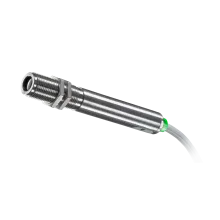
In this video, you’ll learn how to use the loop maintenance function for Optris CS sensors to simulate a temperature signal using a voltage output.
We’ll demonstrate how to configure a specific voltage value—such as 3V—within the software to represent a target temperature. This feature is especially useful for testing your application setup without exposing the system to high temperatures. Watch step-by-step how to activate and apply loop maintenance in your Optris configuration.
Back to Training VideosRecommended Products



Downloads
BROCHURE
PDF - 4.91 MB
Product Overview
Complete the form to download the file

Talk to us about your IR Temperature Measurement Requirements
Our Infrared Temperature Measurement experts can help you find the right Optris product for your application.
