


PIX Connect: How to Use Merging Function
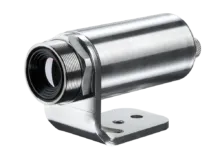
This software tutorial explains how to setup the merging mode in the PIX Connect software. The hardware installation of the IR cameras and the Industrial Process Interface is also dealt with. The merging function allows the displaying of several cameras in one software instance. This is very useful when whole processes, where several cameras are required, are to be displayed in a single screen.
Back to Software TutorialsRecommended Products




Talk to us about your IR Temperature Measurement Requirements
Our Infrared Temperature Measurement experts can help you find the right Optris product for your application.
