


Videos - Training Videos
The following training videos offer insight in the principles of non-contact temperature measurement as well as in the operation of our infrared thermometers and thermal imagers. You will further learn about some of the more complex functions of our devices.
Direct UART Communication with the CS Sensor
In this video, you’ll learn how to directly connect an Optris CS sensor to an Arduino board using the integrated UART interface—without the need for an analog-to-digital converter.
We’ll demonstrate how to read values like process temperature, ambient temperature, and even the sensor’s serial number. You’ll also see how to change settings such as emissivity or transmission using simple UART commands.
Watch step-by-step how to integrate the CS sensor into your Arduino project and access all necessary commands using the CS command list from the CompactConnect software.
Watch VideoAutomatic Aiming Spot with the CS Sensor
In this short video we introduce you to the Auto Aiming function of the optris CS sensor.
This function allows you to find the hot spot of the object to be measured quickly and easily.
Watch Video
Loop Maintenance with the CS Sensor
In this video, you’ll learn how to use the loop maintenance function for Optris CS sensors to simulate a temperature signal using a voltage output.
We’ll demonstrate how to configure a specific voltage value—such as 3V—within the software to represent a target temperature. This feature is especially useful for testing your application setup without exposing the system to high temperatures. Watch step-by-step how to activate and apply loop maintenance in your Optris configuration.
Watch VideoEmissivity Set with the CS Sensor
In this video, you’ll learn how to dynamically set the emissivity of the Optris CS micro-sensor using an external voltage signal from a PLC.
We’ll demonstrate how changing the voltage affects emissivity settings in real time and how this impacts the temperature readings. Watch step-by-step how to simulate emissivity values from 0.1 to 1.0 using a voltage range from 0 to 10V.
Watch Video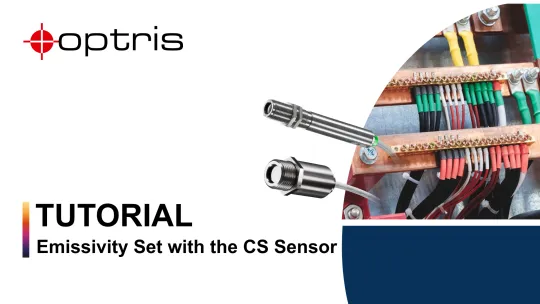
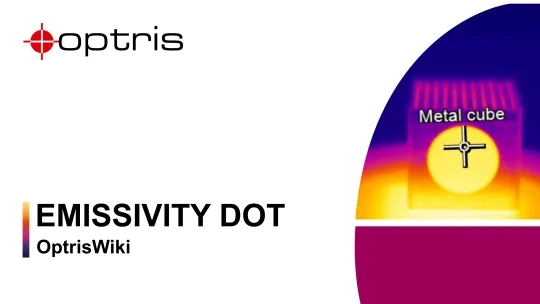
Emissivity Dots
Did you know you can measure accurate temperatures on shiny metal surfaces using Optris infrared cameras and pyrometers?
In this video, we show how emissivity dots with a value of 0.95 help you get precise readings on reflective materials like aluminum or steel.
Learn how to apply the dots and configure your device for reliable results—even at ambient temperatures up to 380 °C!
Optical Resolution of Thermal Imagers (IFOV)
Discover how optical resolution impacts the performance of thermal imagers in this in-depth workshop.
Learn key factors influencing image clarity and how to select the right optics for your application. Ideal for users aiming to optimize infrared measurement accuracy.
Watch Video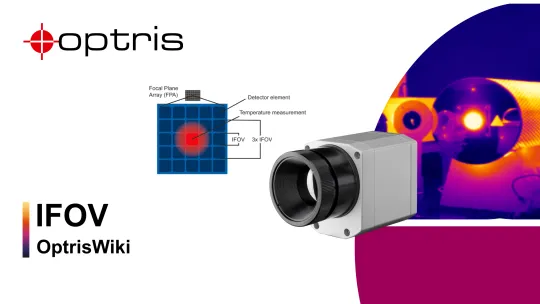
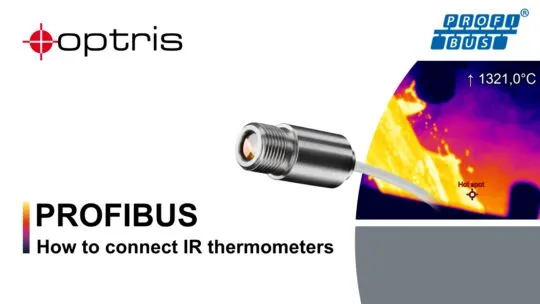
PROFIBUS Connection of Stationary Infrared Thermometers
How do I connect my Optris infrared thermometer with a Siemes SPS via Profibus? Our Field Application Engineer Maik Lippe demonstrates the procedure. He even has valuable tips regarding the transmission of orders to the SPS.
Watch Video
Talk to us about your IR Temperature Measurement Requirements
Our Infrared Temperature Measurement experts can help you find the right Optris product for your application.
