

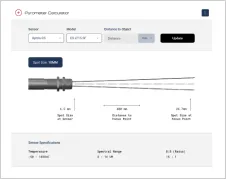

Emissivity Set with the CS Sensor
In this video, you’ll learn how to dynamically set the emissivity of the Optris CS micro-sensor using an external voltage signal from a PLC.
We’ll demonstrate how changing the voltage affects emissivity settings in real time and how this impacts the temperature readings. Watch step-by-step how to simulate emissivity values from 0.1 to 1.0 using a voltage range from 0 to 10V.
Back to Training VideosRecommended Products








Talk to us about your IR Temperature Measurement Requirements
Our Infrared Temperature Measurement experts can help you find the right Optris product for your application.
